
Platform / Integrations
Every system you run, working from one governed record.
Your ERP, storefronts, marketplaces, POS, and payment and tax services all work from the same governed record, instead of keeping separate copies and reconciling them with each other. Each is set up once.
Hub Architecture
One governed record at the center, not a web of point-to-point links.
Point-to-point integrations multiply with every system you add, and each one keeps its own version of the data. With OmnifiCX, each system is set up once against the Governed Core, so every system works from the same record.
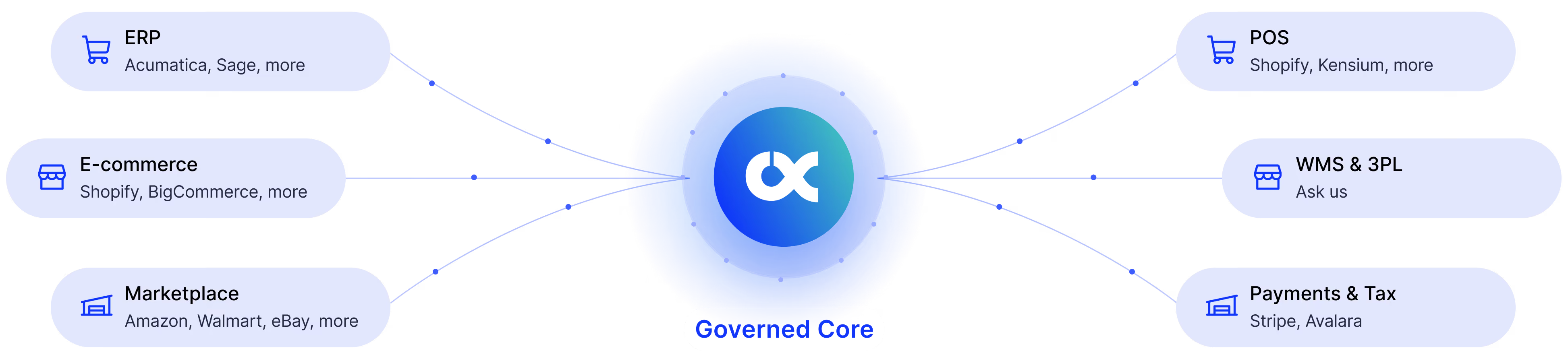
Set up each system once. Run every operation on one governed record.
Products, customers, orders, pricing and inventory are governed once in the core, and every system works from that record.
Supported Systems
Works with the systems you already run
Each system is set up once as an OmnifiCX Subscription: the reusable connections and workflows that keep it in step with the Governed Core, shared by every workflow that needs them.
ERP
Enterprise Resource Planning


What stays governed: items, pricing, customers, orders and inventory. A change made in the ERP or in OmnifiCX reaches the other side.
eCommerce
Storefronts & Digital Commerce

What stays governed: each storefront sells from the governed catalog, pricing and inventory; orders and customers come back to the governed record.
Marketplaces
Online Marketplaces


What stays governed: listings, pricing and inventory come from the governed record; orders come back to it.
POS
Point of Sale


What stays governed: stores sell from the governed catalog, pricing and inventory; sales come back to the governed record.
Payments & Tax
Transactions & Compliance


What stays governed: payments and tax calculation tied to the governed order.
WMS & 3PL
Warehouse & Fulfillment
Configuration, not code
No-Code Integration Studio
Workflows are built visually in a drag-and-drop studio for how data moves and what triggers what, not a codebase your engineering team has to own and maintain.
That keeps the people who understand the operation (ops, ecommerce, revenue) in control of it, without waiting on a developer for every new rule or every new connected system.

Building blocks, shared
Connections, maps, lookups and formulas are built once and shared across workflows. Change one, and every workflow that uses it picks up the change.
What triggers what
A workflow runs on a schedule, when the source system raises an event, or as soon as the governed record changes.
Tested before it’s live
New and changed workflows are tested before they go live.
Full Traceability
Every run is recorded, step by step
Each workflow run is recorded with what it processed and the outcome of every step. When something fails, the trace is already there, not something to reconstruct afterwards.

Run
SHP-20419
Workflow
Shipment Sync to Hub

Trigger
Webhook · shipment created in the ERP

Steps
4 of 4 completed

Outcome
Shipment record updated in the Governed Core
How This Connects
Integrations don’t work in isolation
Every connected system feeds the same governed record, and every operation you run pulls from it.
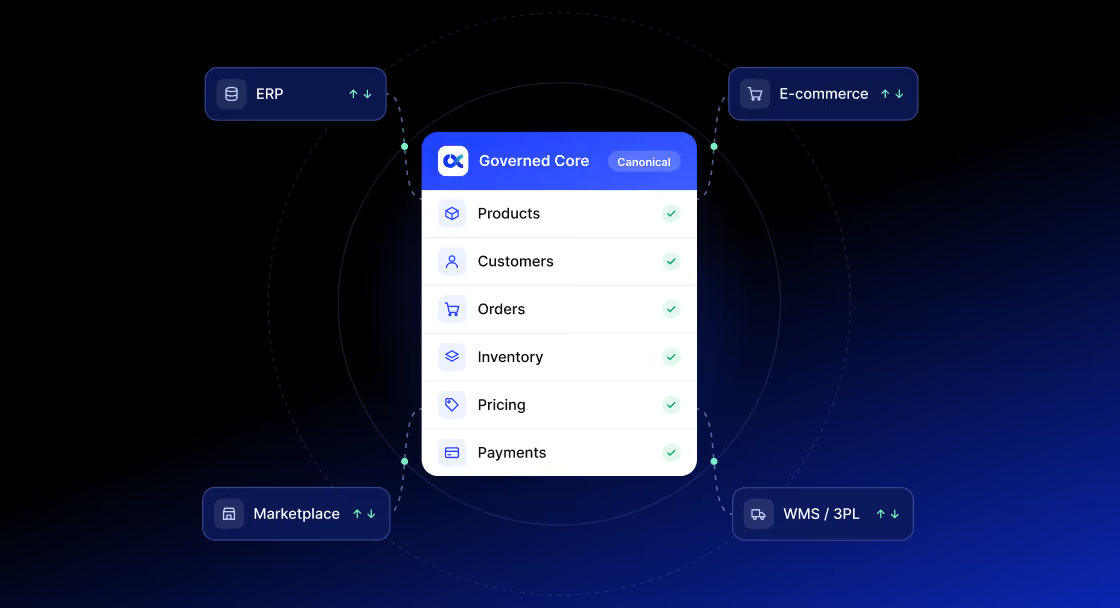
Governed Core
One Record, Not Nine Copies

Every flow reads from and writes to the same canonical record. See how products, customers, orders, and more are governed underneath every integration.
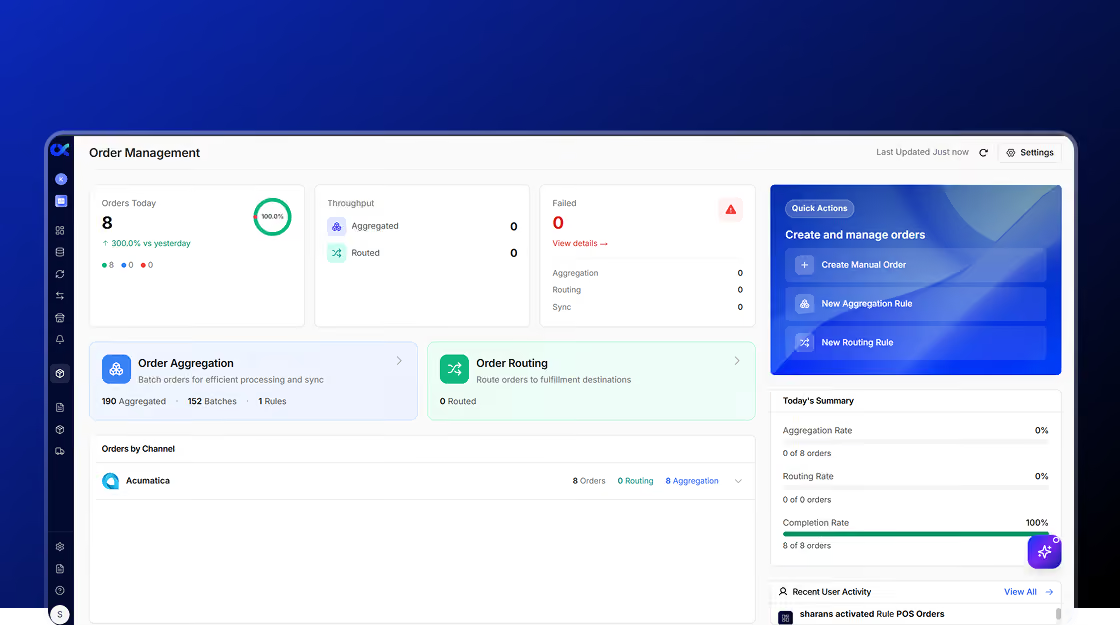
Order Management
Governance in Production
Order Management runs natively on the Governed Core today, fed by the same flows and connections built in Sync.