
Platform / Security & Reliability
Who can do what, where it's isolated, and how it stays running.
Security & Reliability is the control layer underneath the Governed Core. Roles and permissions define who can act, account isolation keeps every customer's data separate, and Runs, alerts and Smart Elastic Processing keep operations visible and running at peak volume.
Access Control
Every account defines who can act, and how far.
Users and roles are managed once for your account. Each module has its own roles, scoped down to the specific action, so day-to-day access matches how your team actually works.
ORG_ADMIN
Admin
Administers your organization: users, roles and settings across the platform and every module.
ENV_ADMIN
Integrator / Technical Consultant
Administers your environments, and the Hub data and settings within them.
Custom roles
Need something different? Create your own roles and choose exactly which actions each one can take.
Module roles
View status and configuration without the ability to
Order Management and Product Information each come with their own roles, so access to orders and to product content can be set separately.
Account isolation
Your data, your users, your settings, kept separate from every other account.
Every organization runs as its own account on OmnifiCX. Data, users and configuration for one account are never visible to, or reachable from, another. Account-wide settings like branding, email preferences and defaults apply to your account alone.
Org A
Its own users, roles, Flows, connections and governed records, invisible to every other account on the platform.
Org B
A fully separate account, with its own data boundary. Nothing written in Org A's account is reachable from here.
Protection that's part of the platform, not an add-on.
Every account gets its own Development, Test/Staging, and Production environments. Build and validate Flows, maps, and other artifacts in a lower environment, then promote your tested setup forward through Deployments, with structured change management and the ability to undo a deployment if something goes wrong.
Every change on record
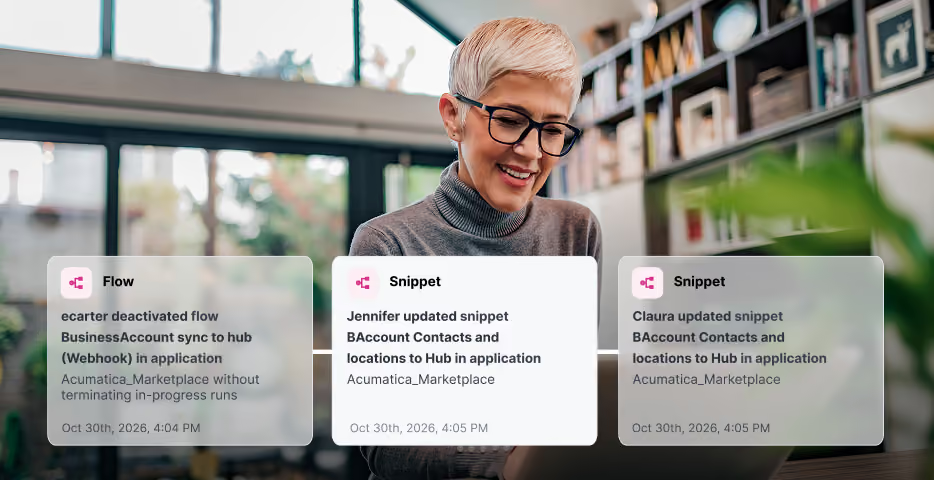
Every change to a governed record is kept: who made it, when, and what changed.
Paced to each system's limits
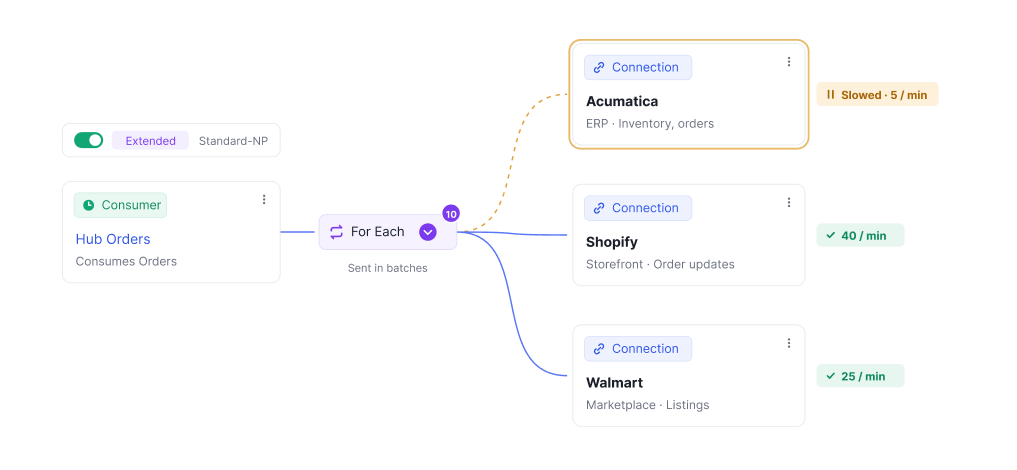
OmnifiCX sends each connected system only what it can handle, and slows down together when one is overloaded, so a busy day doesn't overwhelm the systems behind it.
Secure in transit, encrypted at rest
Data travels between systems over secure channels, and is encrypted at rest.

Credentials protected
Connection credentials are stored encrypted and are never shown in full once they're saved.

Hosted on AWS
Runs on Amazon Web Services, with dedicated instances available for data residency and network isolation.

To report a security issue, email security@omnificx.com. To learn more about how we protect your data, talk to our team.
See what's running, get alerted when it isn't, and fix it without starting over.
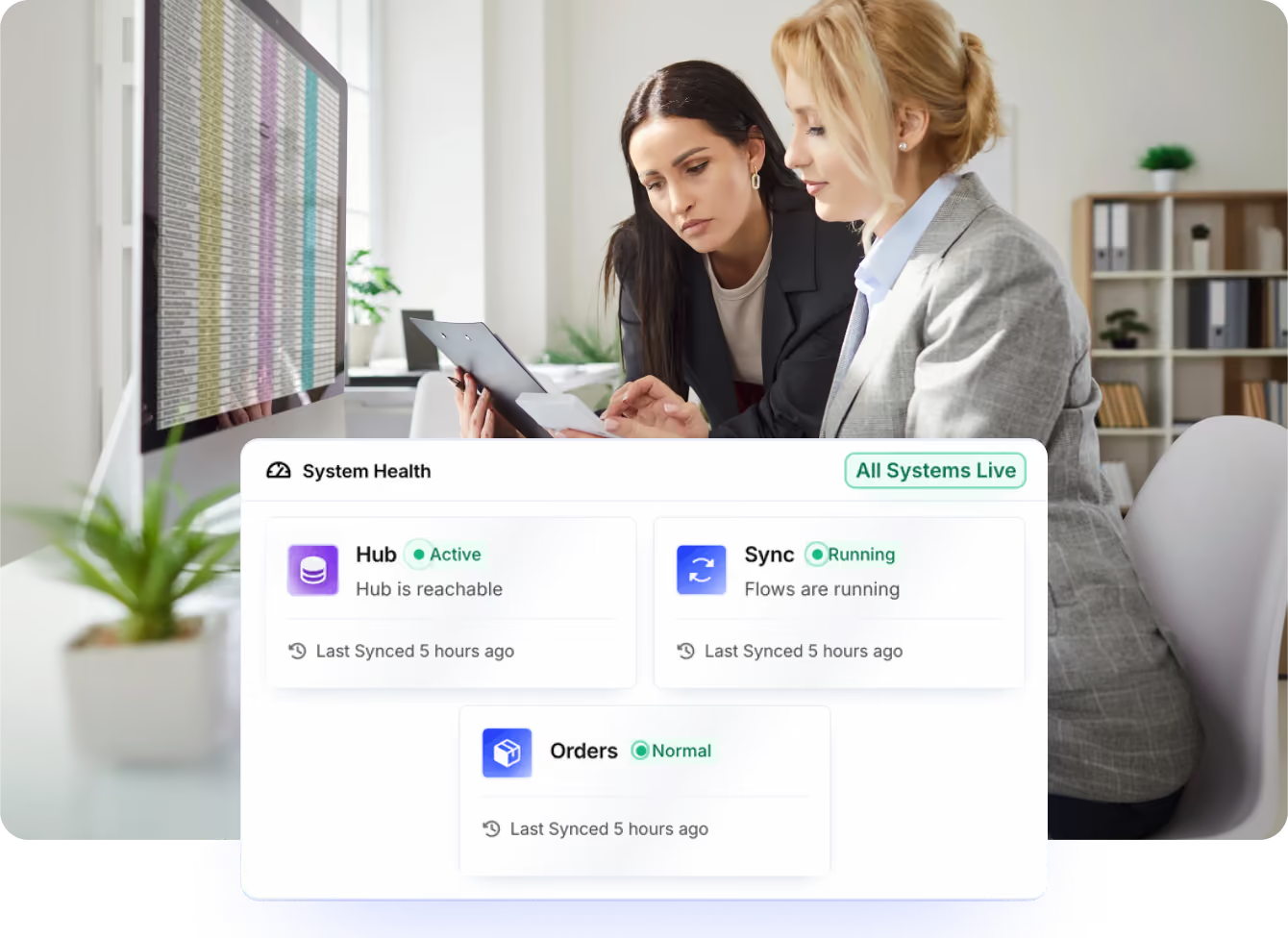
Every time a Flow executes, OmnifiCX records it as a Run: what happened, how long it took, and whether it worked. Failed Runs are flagged clearly, with a step-by-step breakdown of exactly where things broke.
Alerts keep your team informed without watching dashboards all day: in-app and email notifications on the conditions that matter, plus a feed of user activity and system alerts from the last 7 days.



From a missing order to a fixed one, in four steps.
An order from your storefront doesn't appear in OmnifiCX. Open the Run, and the BigCommerce step shows Failed. Its output reveals "invalid credentials". Reconnect the BigCommerce credentials, then reprocess the Run to confirm the order comes through.
When not to reprocess: if the original data was wrong, or re-running could create duplicates such as duplicate orders, fix the source data first.
Built to absorb a spike, not queue behind it.
Order volume doesn't arrive evenly. A flash sale, a marketplace promotion or a Black Friday weekend can multiply your normal load in minutes.
Many ERPs run at a fixed capacity. Getting ready for a planned spike means adding resources by hand ahead of time, and paying for that extra capacity whether or not the spike arrives.
Smart Elastic Processing scales the resources running your Flows to match demand automatically, and paces updates to what your ERP can handle. Peak volume is processed in stride, without resizing your systems for your busiest day.
The Usual Way
Before a planned spike, resources are added to the ERP by hand, and the extra capacity is paid for even when it sits idle.
Standard Load
Everyday order, catalog and inventory volume runs on your standard processing allocation.
Peak Load
Processing capacity expands automatically to absorb the spike, without manual intervention.
Security & Reliability protects everything else on the platform.
Access control and account isolation don't sit apart from the Governed Core and Sync. They govern who can touch them, and every Flow's work is visible as a Run.
One Record, Not Nine Copies
Standard fields on every governed record capture who changed it and when: the audit trail these roles and permissions protect.
Where Flows Are Built
Every Flow is built in the No-Code Integration Studio, and every execution shows up here as a Run.